3DS MAX → AI · SOURCE-AWARE · PROFESSIONAL

Turn your 3ds Max and SketchUp viewports into a geometry-aware AI prompt.

AKN Visual Translator AI helps architects and 3D visualizers convert approved 3ds Max and SketchUp views into structured AI-ready direction while keeping geometry, camera, framing and design intent clearly defined.

Use the active production camera, viewport or SketchUp scene, transfer a lightweight viewport image plus scene metadata through the local Scene Connector, choose what must stay fixed, then generate a source-aware prompt for your preferred external AI platform.

3ds Max workflow SketchUp workflow Geometry-aware Camera preservation Local scene bridge
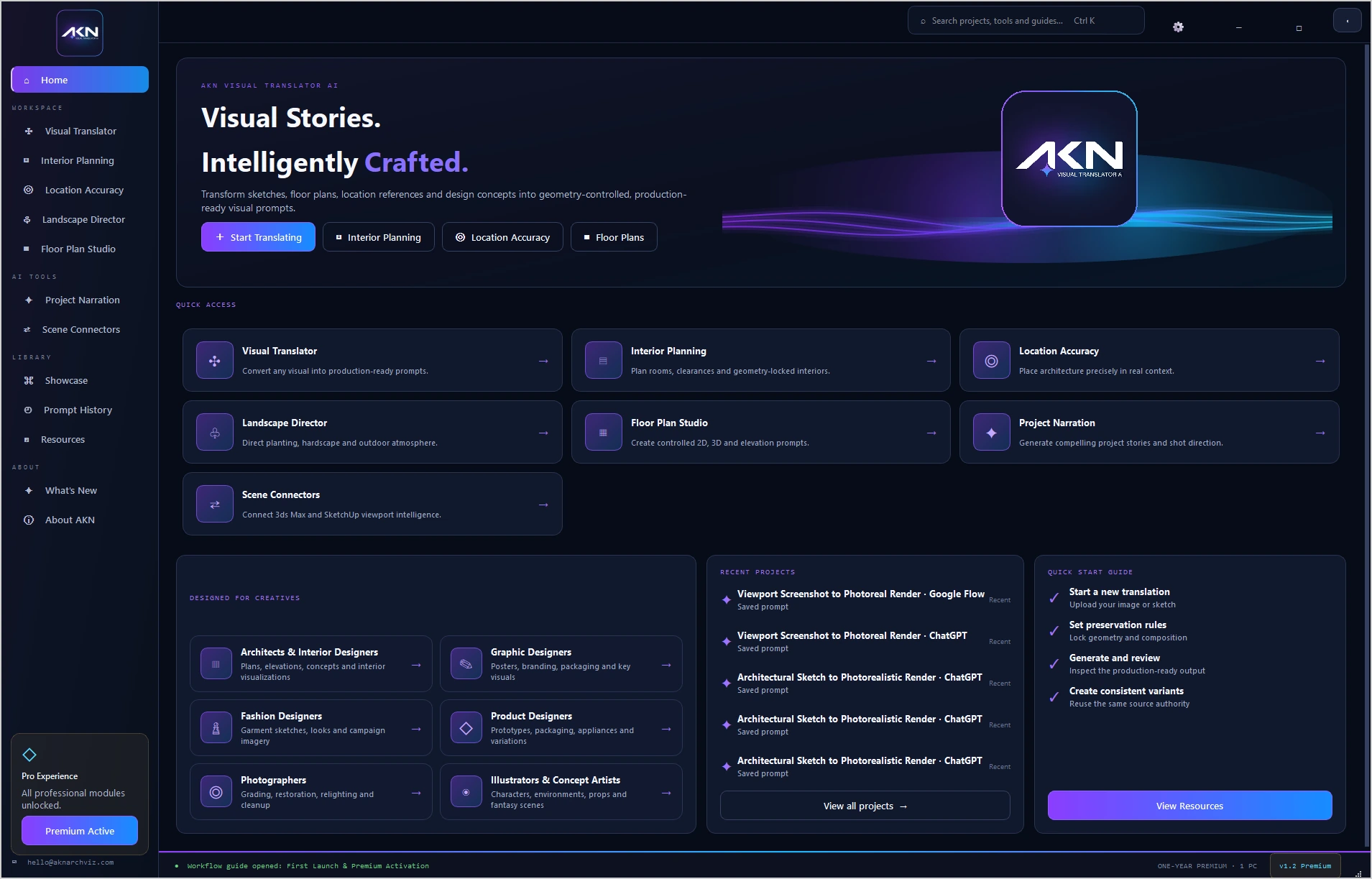
AKN Visual Translator AI professional workspace showing the Scene Connector and visual translation workflow
3ds Max / SketchUp
Active viewport + metadata
AKN
Preservation + prompt direction
AI Platform
External image generation
116Translation Modes
7Workspaces
132Signature Presets
153Camera Presets
2Scene Connectors
3Prompt Variants
REAL WORKFLOW PROOF

From 3D source to production-ready direction.

The point is not to redesign the approved scene. The point is to communicate what the source already establishes and direct only the permitted visual change.

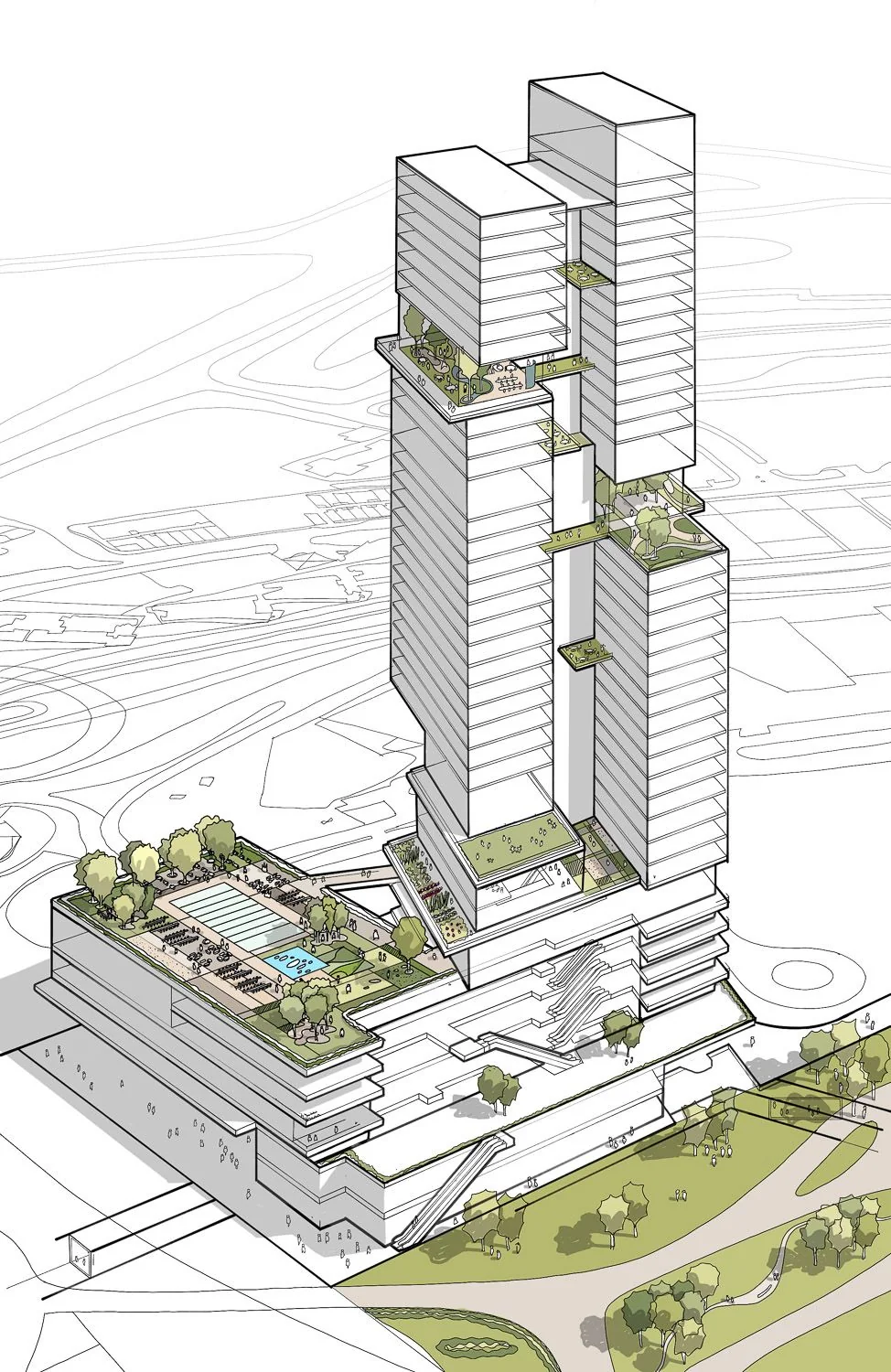
SOURCE Architectural high-rise source view used by AKN Visual Translator AI
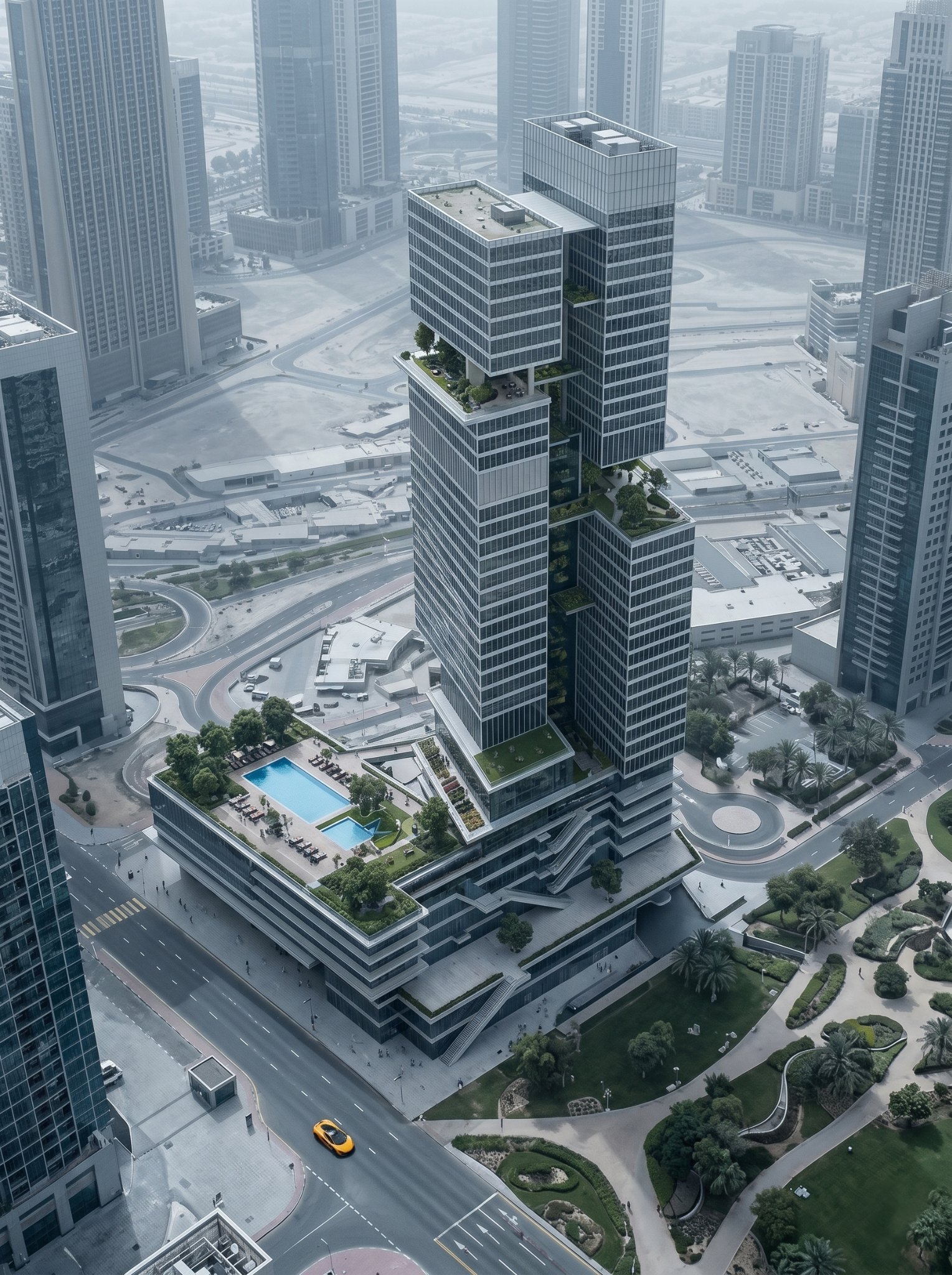
RESULT Photoreal high-rise result created from controlled AI visualization direction
Architecture · 3D Source

Viewport / concept → Photoreal high-rise

Preserve massing, façade rhythm, visible openings, camera composition and project identity while directing realism, materials, lighting and atmosphere.
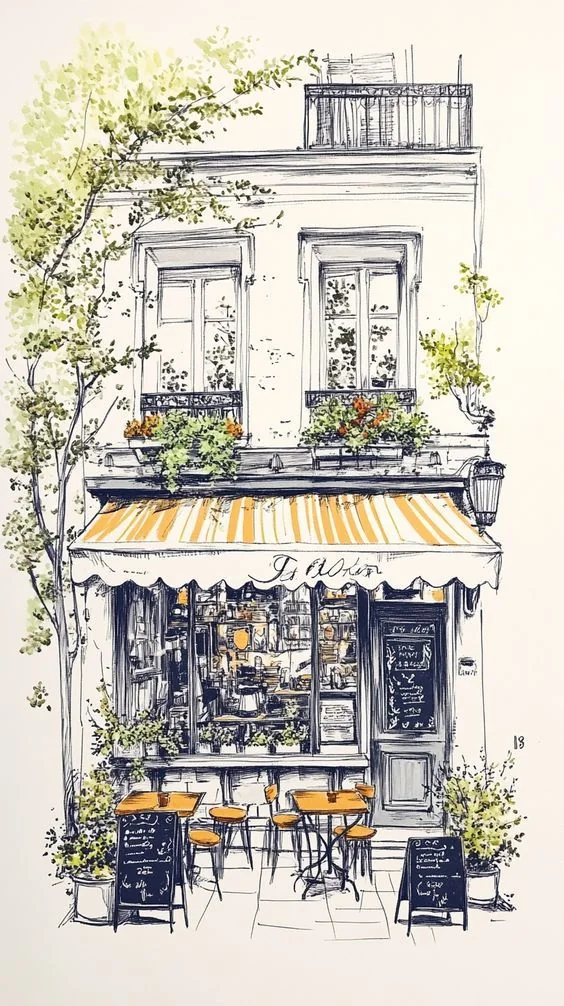
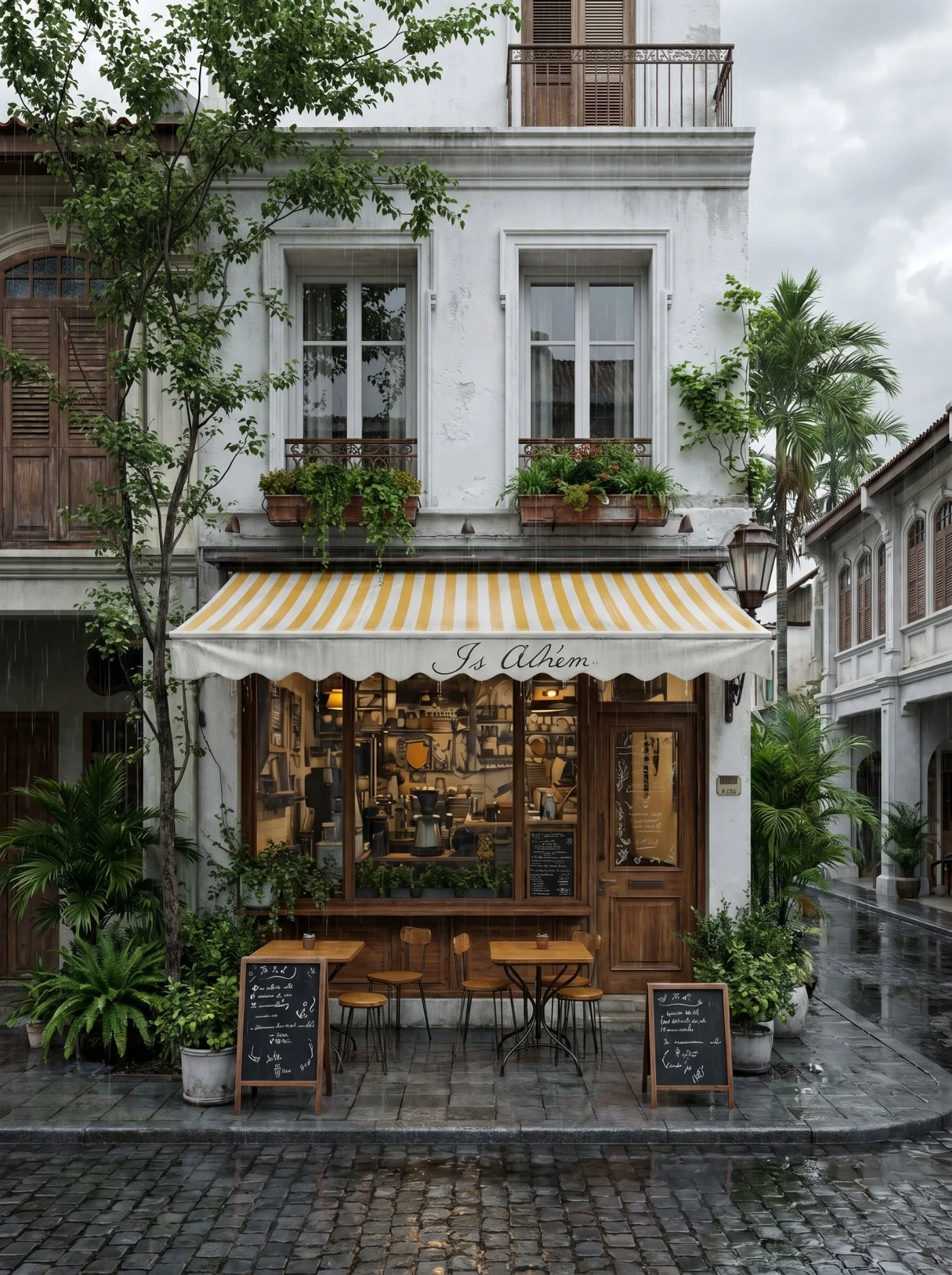
SOURCE Architectural sketch source
RESULT Photoreal architectural result
Source Authority

Keep the design. Direct the translation.

AKN separates what must remain authoritative from what the external AI is allowed to reinterpret, helping reduce avoidable design drift.

HOW IT WORKS

A simple 3ds Max / SketchUp → AKN → AI workflow.

Keep the approved 3ds Max or SketchUp view in control from scene capture through final prompt direction.

1

Send the active view

Activate the intended 3ds Max production camera/viewport or approved SketchUp scene and send the viewport image plus lightweight scene metadata through the local connector.

2

Set preservation rules

Confirm framing and aspect, then define geometry, camera, material, lighting and other source details that must remain authoritative.

3

Generate structured direction

Create a detailed source-aware prompt, inspect it for conflicts and use it with the selected external AI image platform.

WHY 3D VISUALIZERS USE AKN

Control the source. Not just the style.

Geometry Lock

State the source structure, proportions and visible architectural relationships as preservation priorities.

Camera Preservation

Keep the active camera, perspective, framing and visible field of view aligned with the approved source.

Multi-View Consistency

Reuse project authority so related shots can follow the same design identity and material logic.

Material Direction

Direct material intent while protecting existing material zoning and non-target design details.

Lighting Control

When source lighting is locked, prompt direction stays within the represented scene lighting instead of inventing fixtures.

Local Scene Connector

Transfer viewport imagery and prompt-relevant metadata locally without uploading the complete .max project file.

GENERIC VS SOURCE-AWARE

A clearer workflow for professional visualization.

Generic AI workflowAKN workflow
Prompt written mainly from memoryPrompt built around the actual source view and project rules
Geometry can driftGeometry and proportions are explicitly prioritized for preservation
Camera can changeCamera, perspective and framing remain directed
Each shot may feel unrelatedProject identity can be carried across related views
Repeated manual prompt editingStructured, inspectable prompt workflow

Important product boundary: AKN Visual Translator AI is the prompt-intelligence and control layer between your 3D source and the external image-generation platform. It does not render the final image inside the application. Final output also depends on the selected AI model and source quality.

FAQ

3ds Max & SketchUp AI visualization questions.

Does AKN upload my complete 3ds Max or SketchUp scene?

No. The Scene Connector is designed around a lightweight local bridge that transfers the active viewport image and prompt-relevant scene metadata rather than uploading the complete .max or .skp project file.

Does AKN generate the final image?

No. AKN prepares structured, source-aware prompts for use with compatible external AI platforms. The external platform performs the final image generation.

Can AKN help preserve my 3ds Max or SketchUp camera?

Yes. The workflow is designed to keep the active camera, framing, perspective, aspect and visible field of view explicitly represented in prompt direction.

Can I test the workflow before purchasing?

Yes. AKN Visual Translator AI offers a 7-day trial so you can evaluate the workflow on your own compatible scenes and references.

7-DAY PROFESSIONAL TRIAL

Ready to test AKN on your own 3ds Max or SketchUp scene?

Start with an approved viewport, preserve the scene authority and generate structured AI-ready direction for your visualization workflow.